
Your home, close at hand.
Set up your private My Dōma portal, add it to your Home Screen, and find the help you need.
Begin with your invitation.
- Open Dōma’s secure setup email at your approved household email address.
- Follow the setup link. Once verified, enter and confirm a unique password with at least 12 characters, including letters and numbers.
- Select Save My Dōma password, then open your approved My Dōma portal link.
Missing or expired link? Contact your Dōma team for a fresh setup email. Keep the secure link private.
Return whenever you need.
Open My Dōma, enter your approved email and password, then select Log in. If you are already signed in, you may return directly to your portal.
Choose Forgot password? to request a secure reset link. Check your inbox and spam or junk folder. If access still does not work, contact Dōma.
Open My DōmaAlready have access? Get the app.
Our separate installation page shows you how to add My Dōma with your browser. Existing clients can go straight there; no sign-in is needed to read the guide.
A look at My Dōma
A clearer picture of home.
These public illustrations show the design and navigation of My Dōma. They are sample website previews, not private household records or installed app screens.
Desktop orientation
Public illustrative website preview
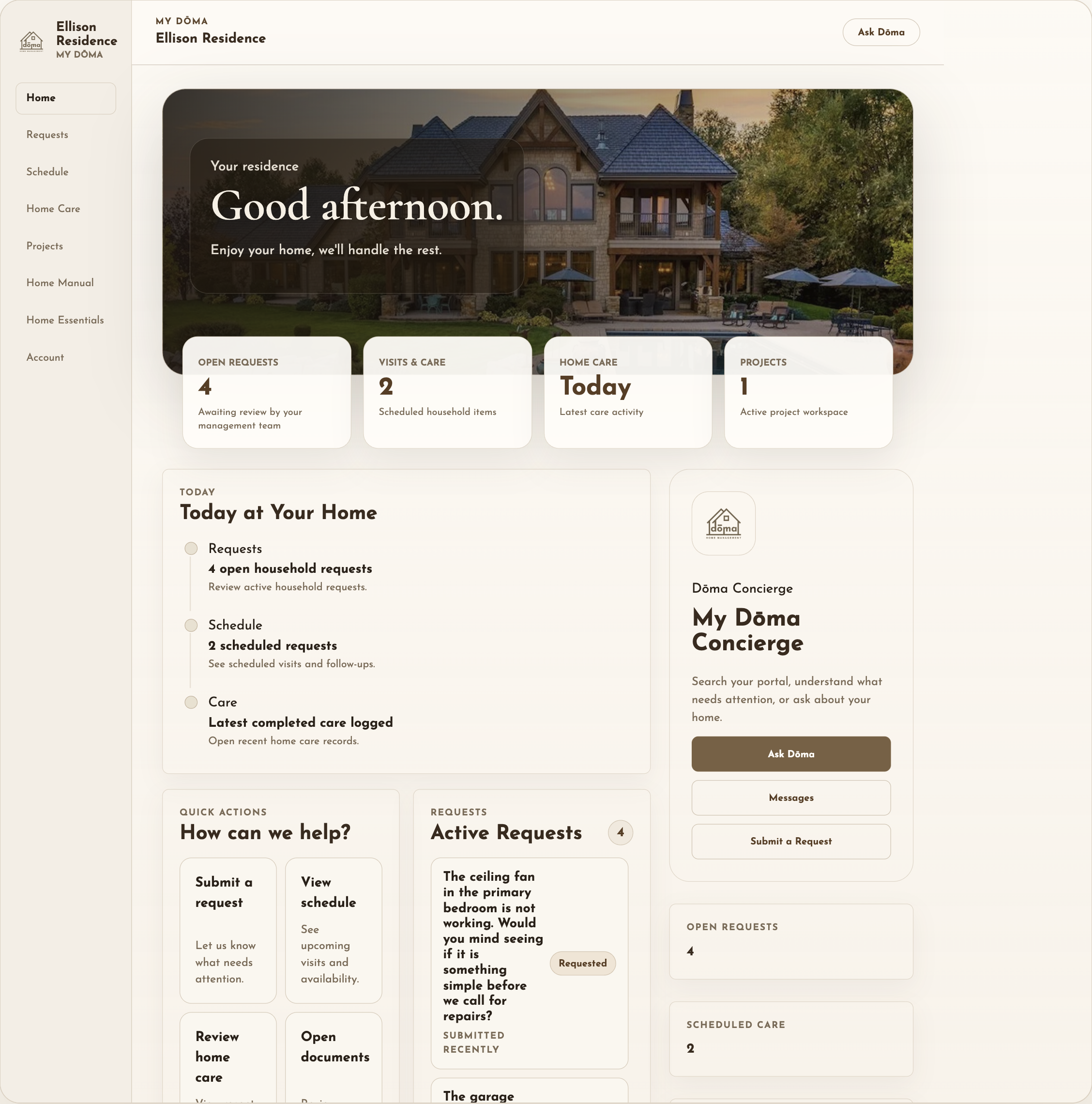
These sample controls do not verify private portal functionality.
Mobile orientation
Public illustrative website preview
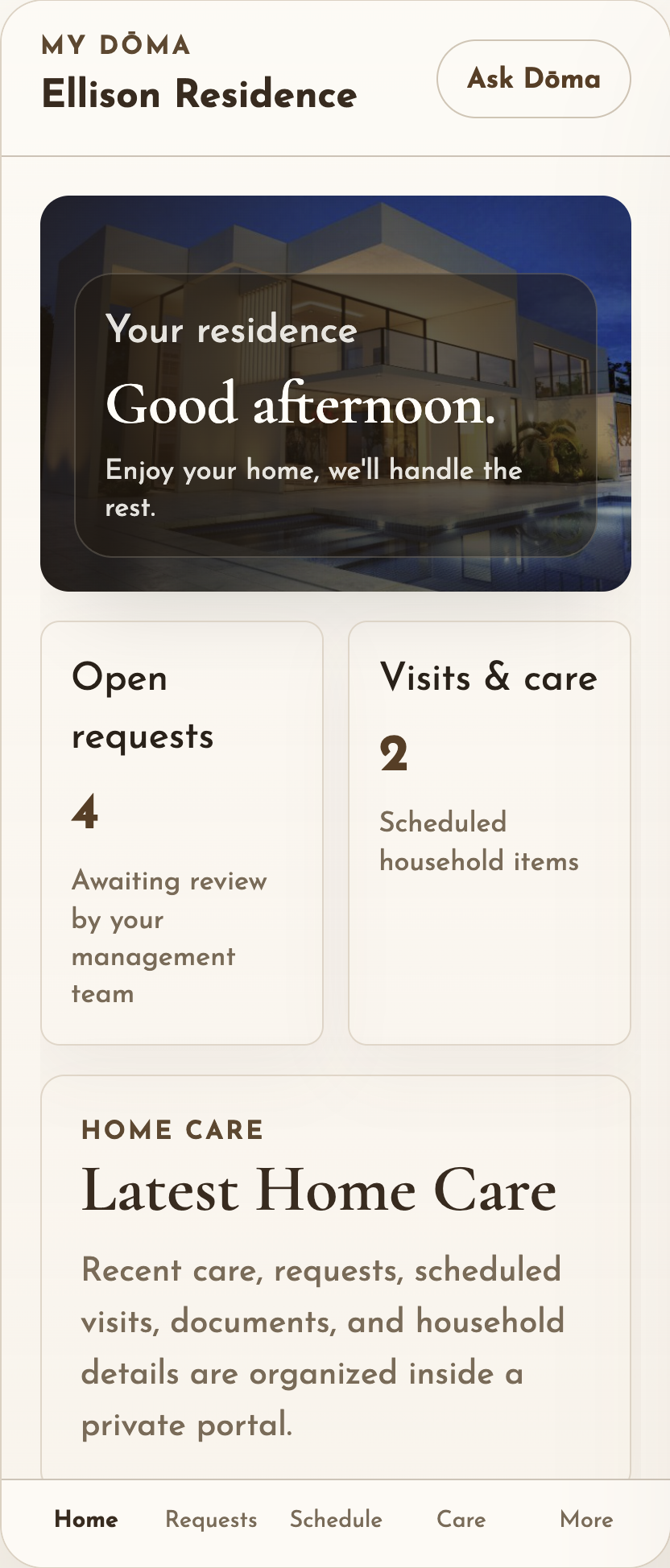
This is a website illustration, not an installed app.
We’ll help you find your way.
For setup, access, or a missing record, contact your Dōma team.
Call 214.214.DOMA (3662)The public Ask Dōma guide explains services. It cannot look up private household records. Keep passwords, access codes, payment details and private household information out of public chat.